The following video demonstrates how to take a quiz using D2L.
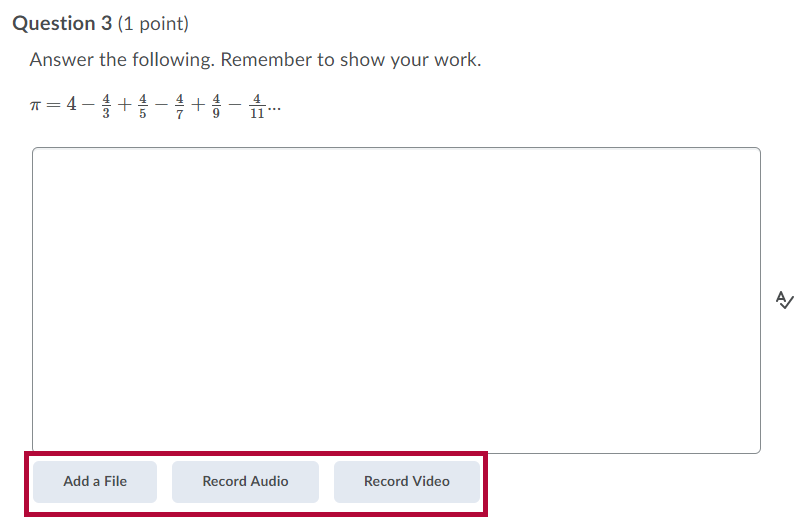
Some question types allow students to "show their work" by adding a file or recording audio/video.
- Some math questions contain a link to Add attachments to support your work:
- Some written response questions will include these options as well:
- Bonus questions will be marked (Bonus).

- Some quizzes will allow you to use the Annotation Tools.
- Select the bookmark icon beside a quiz question to flag it for review. Flagged questions appear in the left navigation, allowing students to quickly return to them later.
-
Select the strikethrough icon beside answer options to eliminate choices they believe are incorrect.


For more information on quizzes in D2L, please see the following articles: