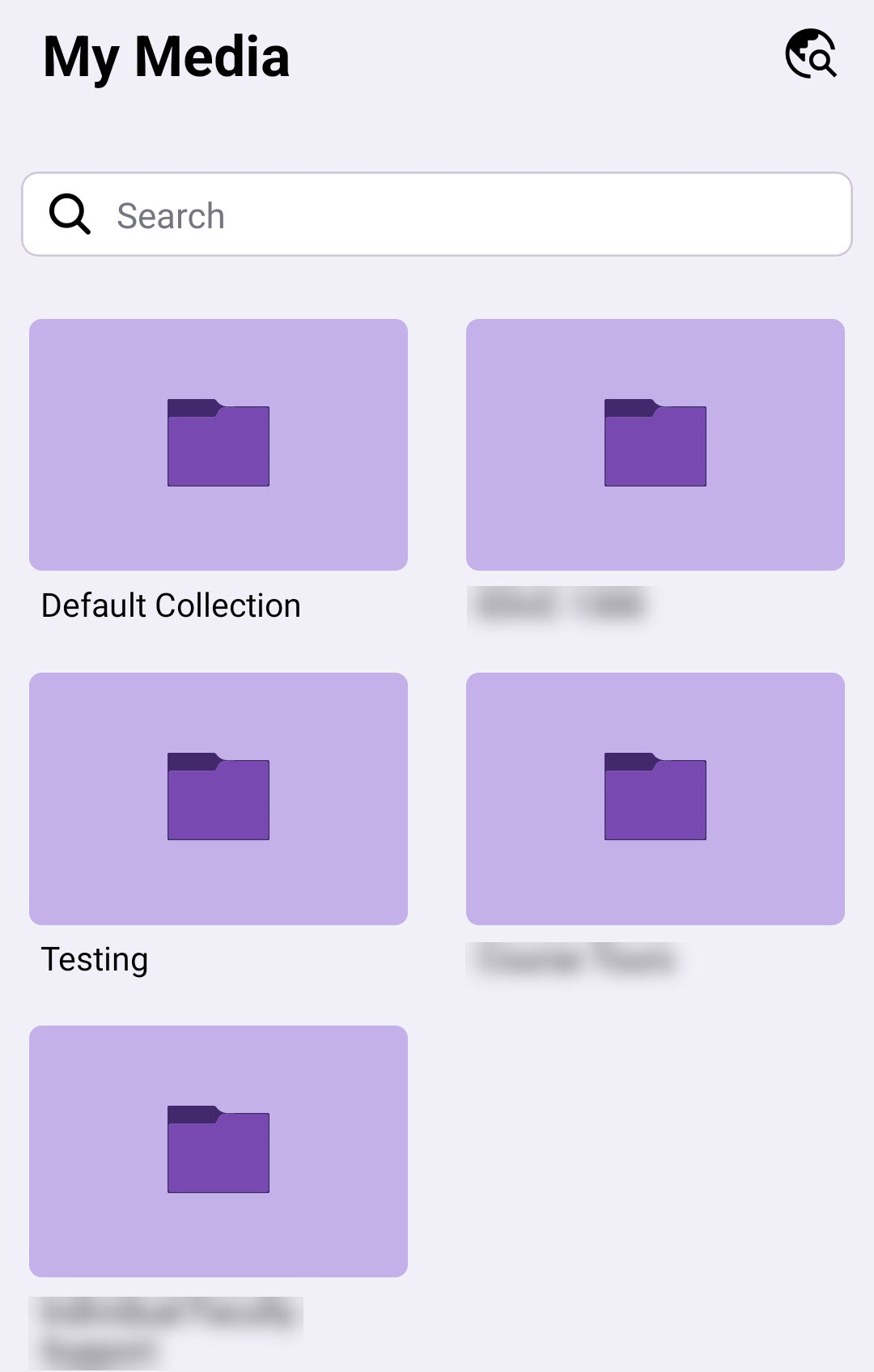
YuJa Mobile is available on both iPhone and Android. For information on using the mobile app, see the below guide from YuJa:
NOTE: In YuJa Mobile, you can record videos using the device camera, but you cannot record using screen capture or edit your videos.
Accessing YuJa Mobile
- Download and open the YuJa Mobile app, launch the app and click the purple [Sign-in] button.

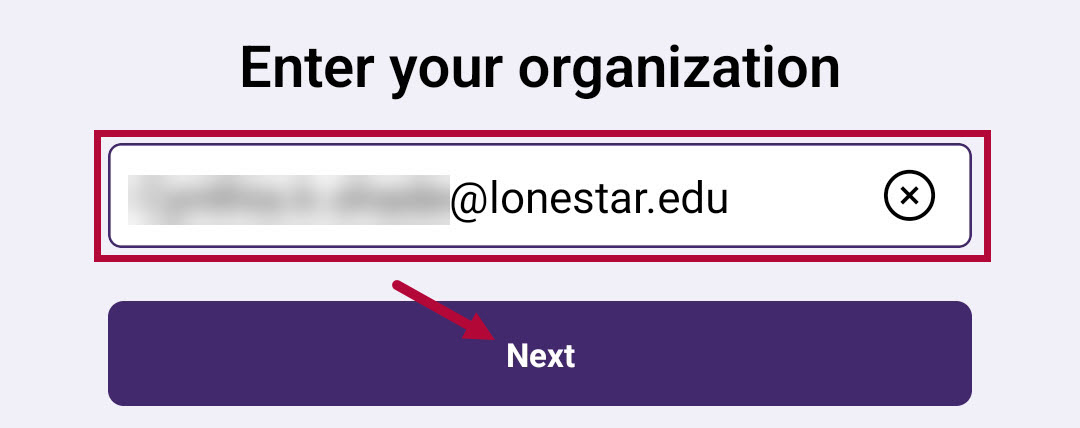
- Enter your full LSC Email address here, then click [Next].
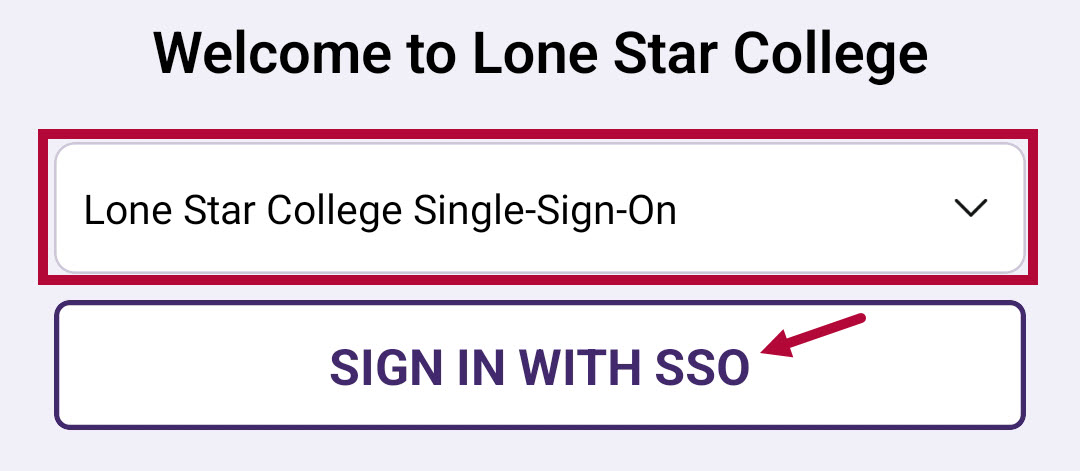
- Be sure to have [Lone Star College Single-Sign-On] selected, then click [Sign in with SSO].
-
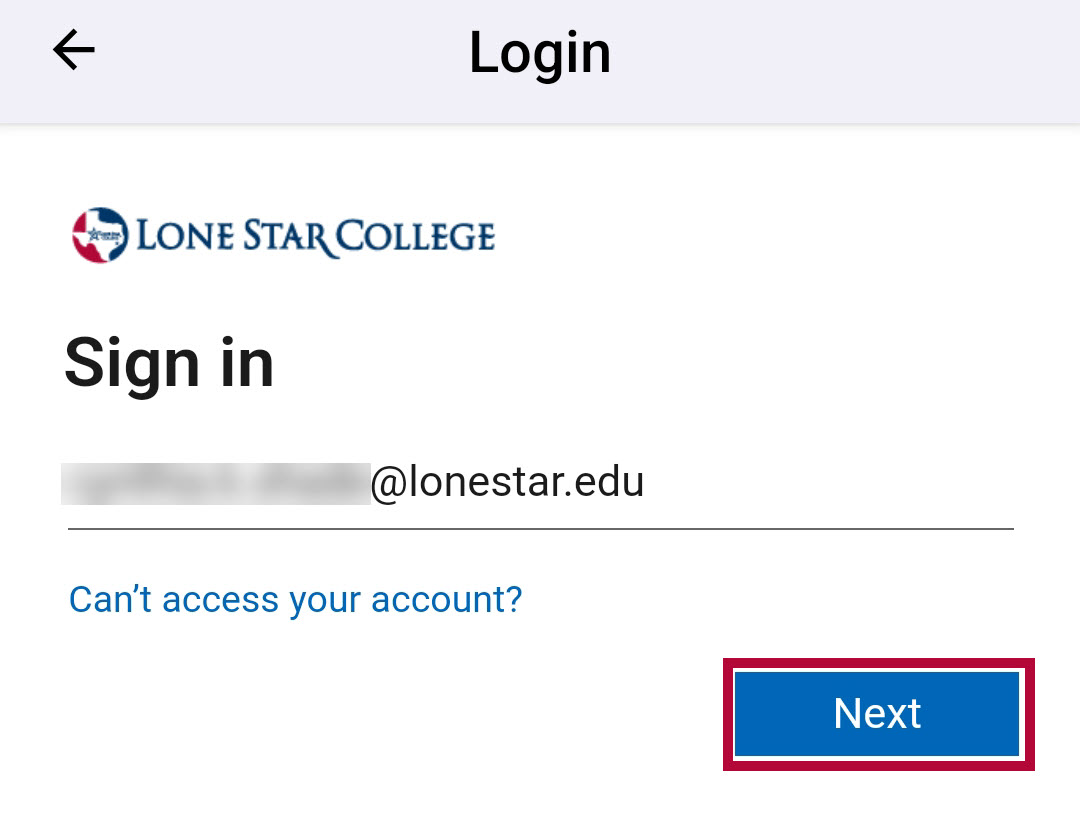
Login through the Lone Star College Single Sign On process.
- You are now signed into YuJa Mobile!