
Work To Do Widget
The Work To Do widget provides students a summary of assigned learning activities from all their courses that are overdue or have an upcoming due date.
The Work To Do widget displays the following learning activities:
- Assignments
- Checklists
- Content
- Courses
- Discussions
- Surveys
- Quizzes
If students have activities that are late or due, the widget displays the following:
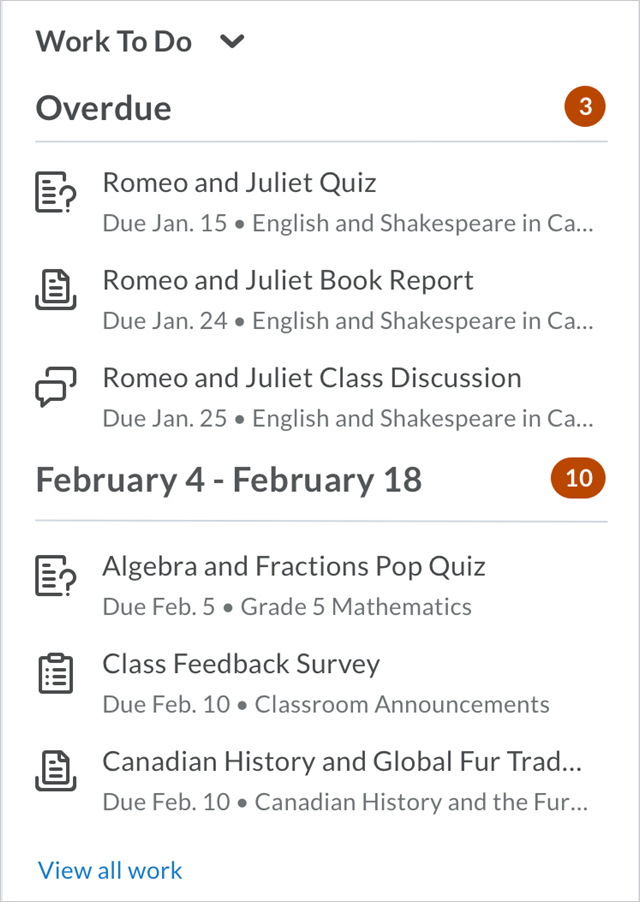
If students have no activities late or due, the widget displays the following:
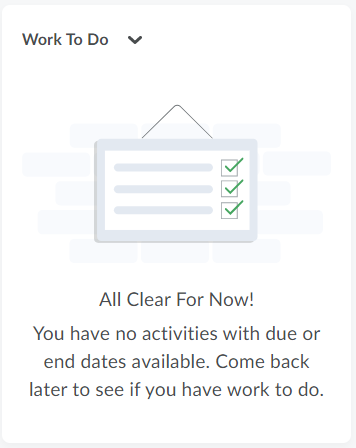
Dismissing Overdue Items from the Work To Do Widget
Sometimes, due to various limitations, a content module or assignment may say it is Overdue even though you have completed it. If your Instructor confirms that you have completed the assignment, but it still shows as Overdue in the Work To Do Widget, you can click the [X] to dismiss the item.

If you find you have dismissed an assignment by mistake, you can click [Undo] to restore the assignment.
